

Golden ratio calculator for layouts
Type one size and get its two golden partners, drawn as the golden rectangle. Then split a container into golden columns and build a spacing scale on the same ratio.
- Free, no signup
- Runs in your browser
- Any unit: px, rem, cm
- Grid overlays to download
Your golden ratio
- Longer side960Your size
- Shorter side593.31Longer ÷ 1.618
- Total of both1553.31Longer × 1.618
Your 960 is the longer side, the green square. The shorter side is 593.31, the strip to its right, and together they make a golden rectangle 1553.31 wide and 960 tall. The spiral runs through nine squares, each 1.618 times smaller than the one before.
Split a layout into golden columns
Enter your container and the gap between the columns. The main column gets 61.8% of the space left after the gap, the sidebar 38.2%.
At 1200 wide with a 32 gap, the main column is 721.86 and the sidebar 446.14, with the main column on the left.
.layout {
  display: grid;
  grid-template-columns: 1.618fr 1fr;
  column-gap: 32px;
}
/* 721.86 and 446.14 at 1200 wide */A spacing scale on the golden ratio
Pick a base size. Each step is 1.618 times the one before, two steps below the base and four above it.
-
--space-16.11 -
--space-29.89 -
--space-316 -
--space-425.89 -
--space-541.89 -
--space-667.78 -
--space-7109.67
From a base of 16, the scale runs 6.11, 9.89, 16, 25.89, 41.89, 67.78 and 109.67. Each step is 1.618 times the one before.
Download a golden ratio grid
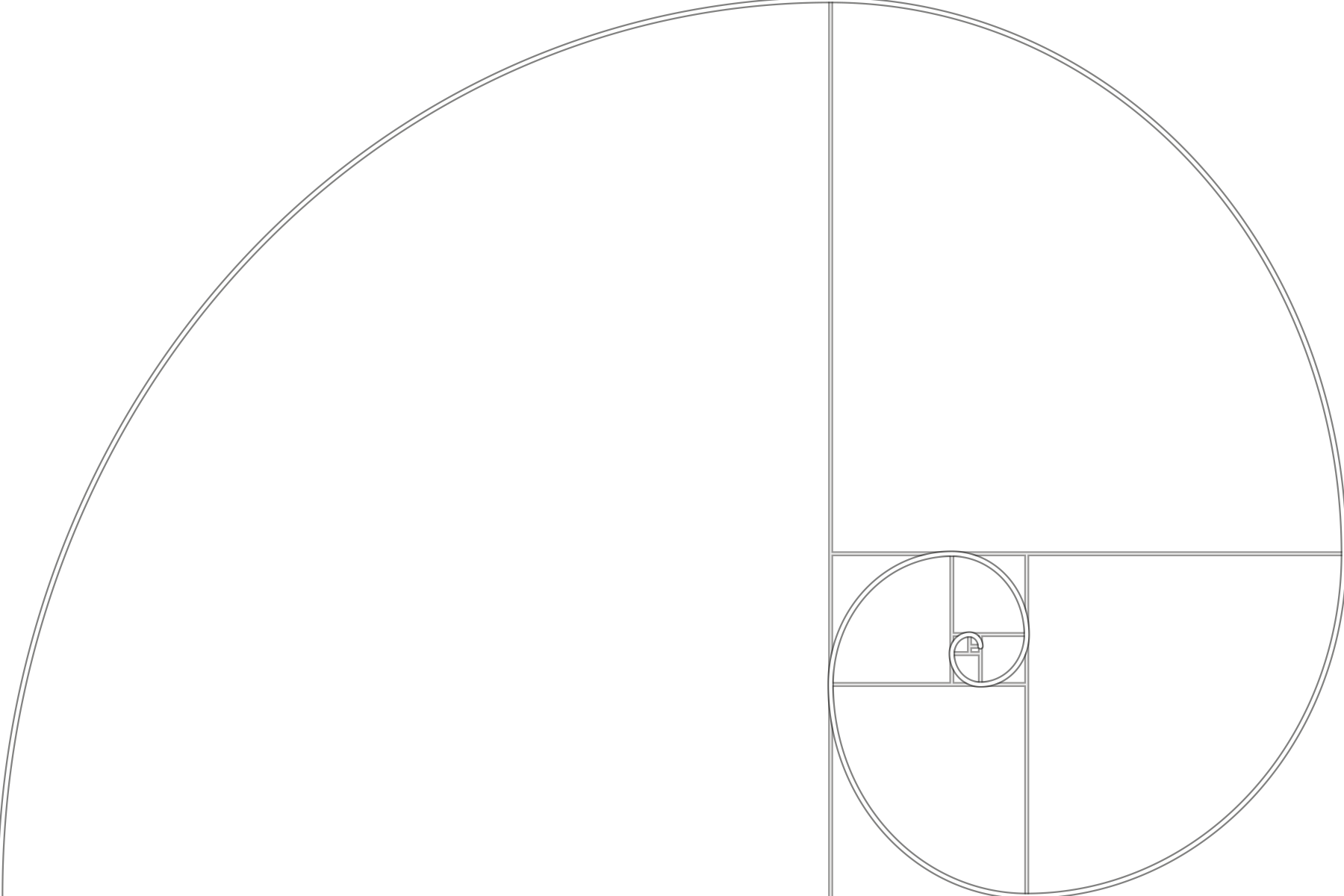
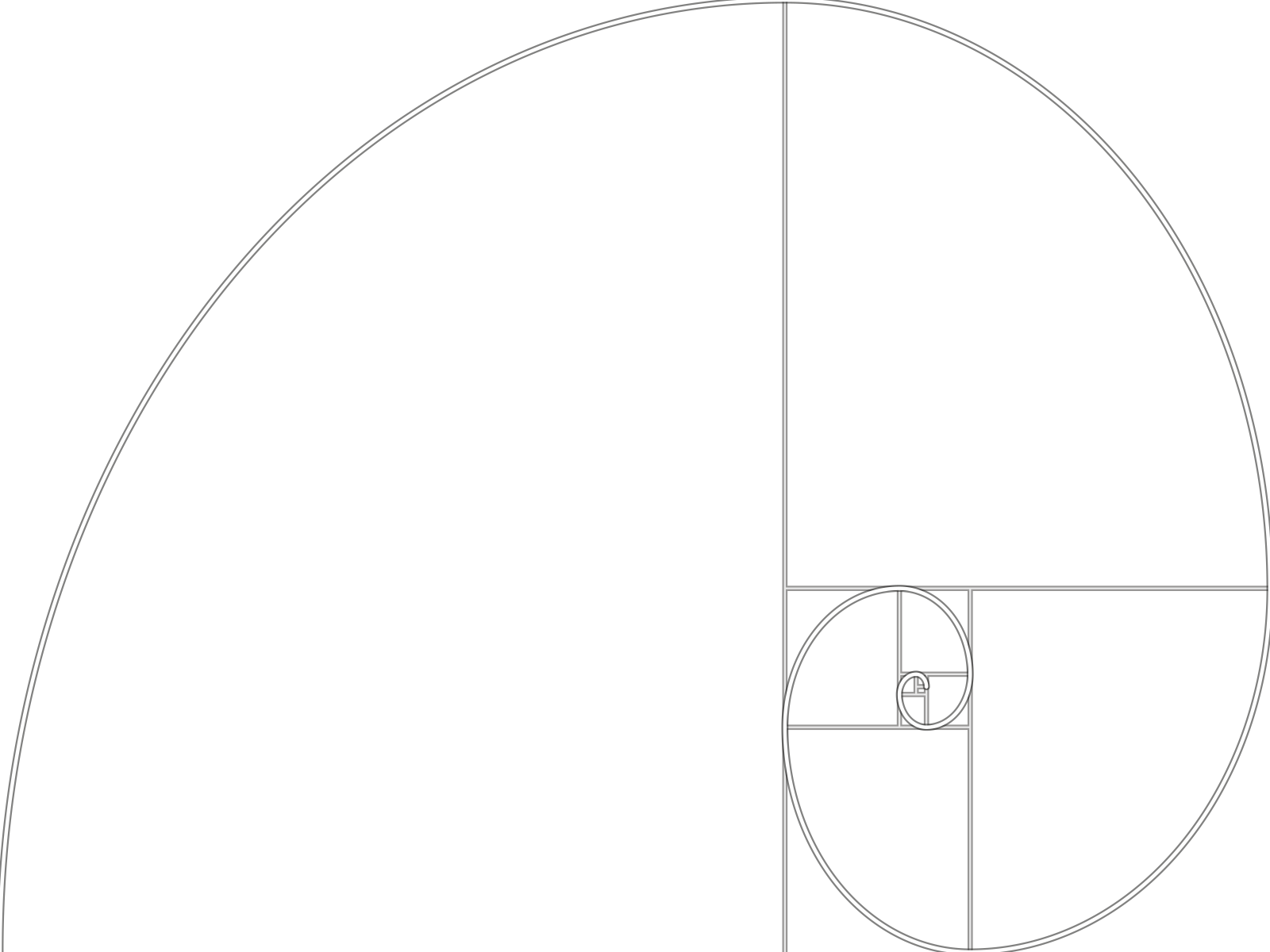
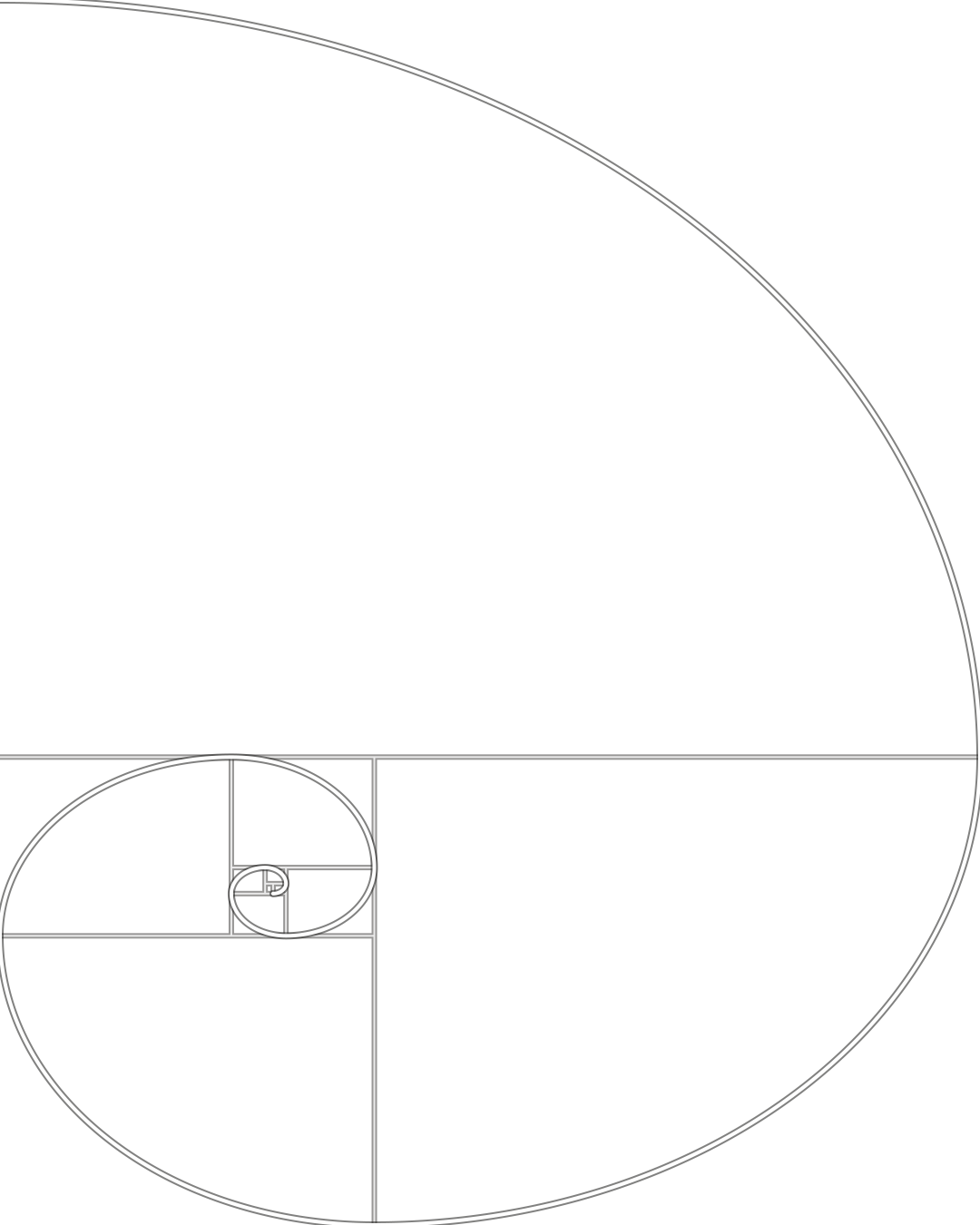
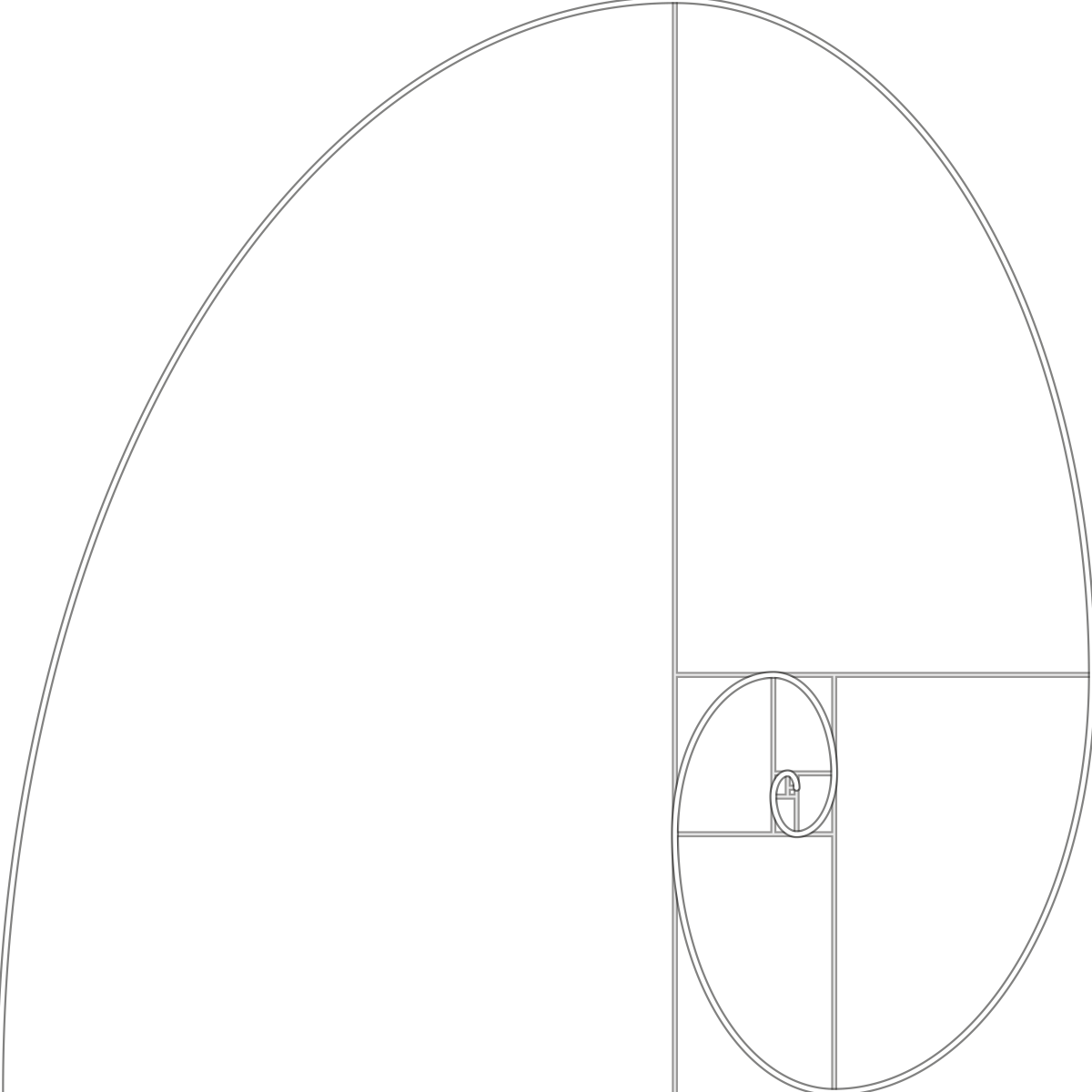
Want the golden ratio over a photo or a layout? Each overlay is a transparent PNG or SVG. Put it on the top layer in Figma, Photoshop, Canva or a video editor, and stretch it to fit. Flip it if your subject sits on the other side. The lines are white with a dark edge, so they show on light and dark images.
Golden spiral
-
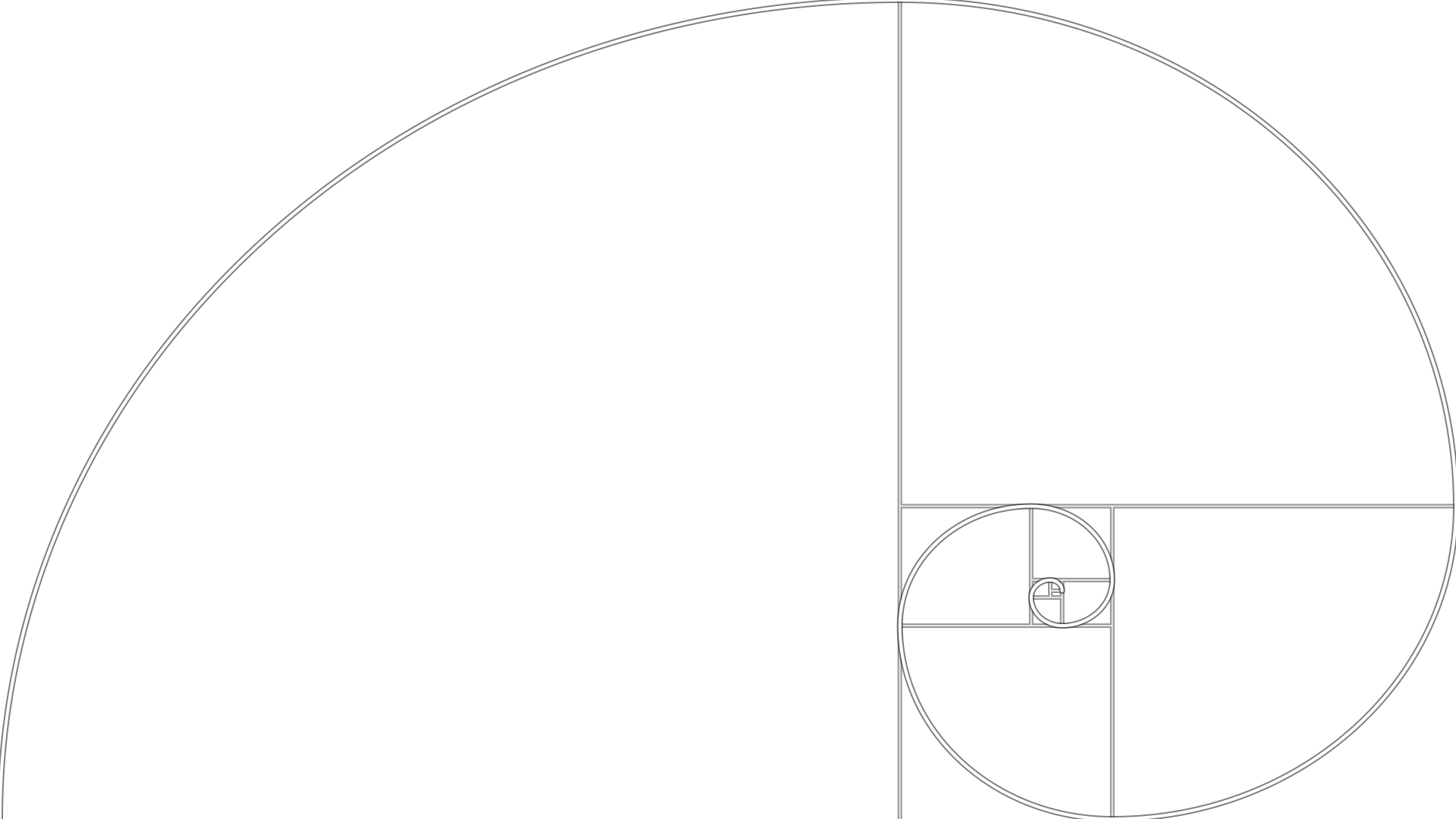 16:9 Video, slides and wide banners PNG, golden spiral 16:9 SVG, golden spiral 16:9
-
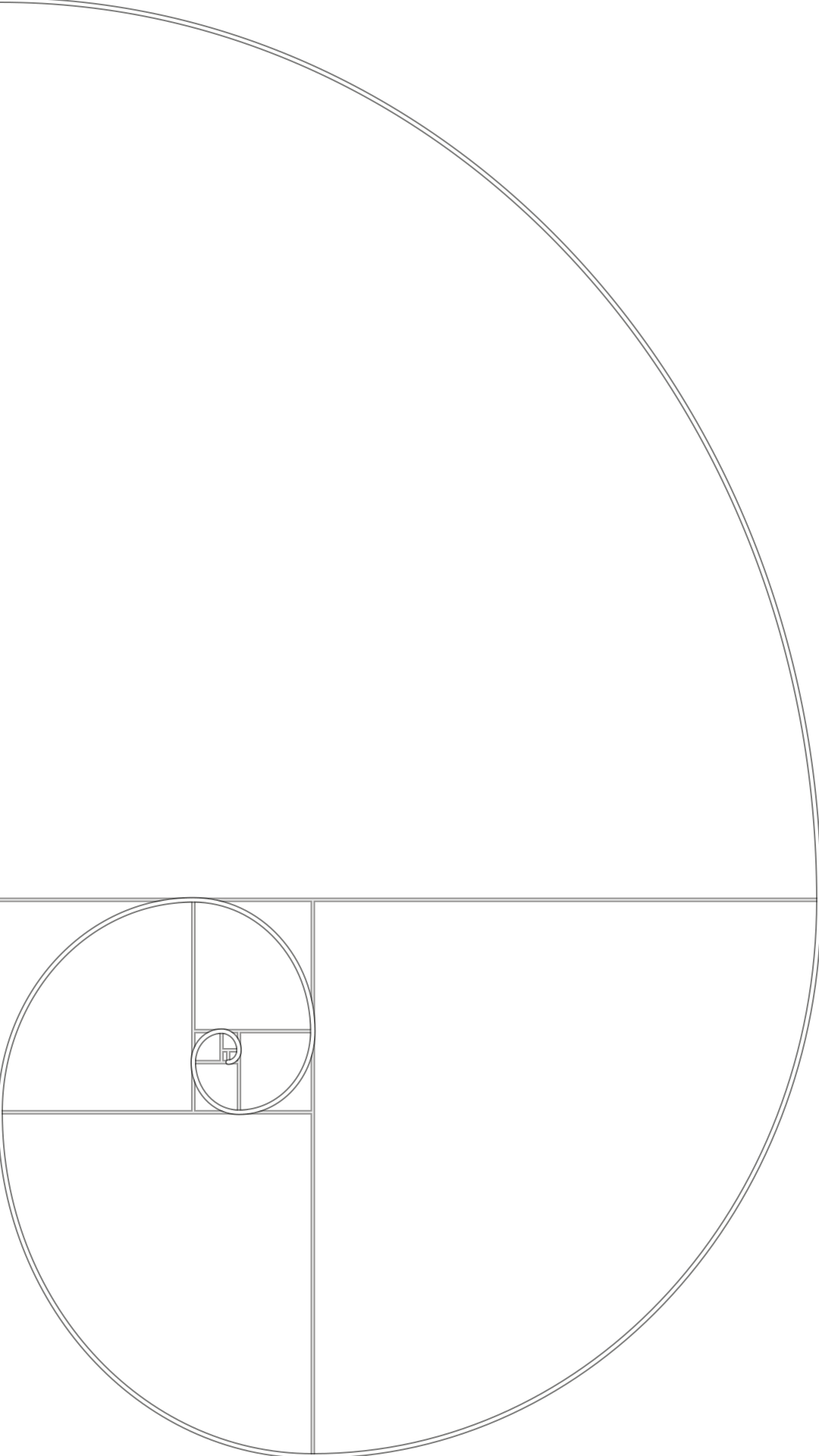 9:16 Phone screens, stories and reels PNG, golden spiral 9:16 SVG, golden spiral 9:16
-
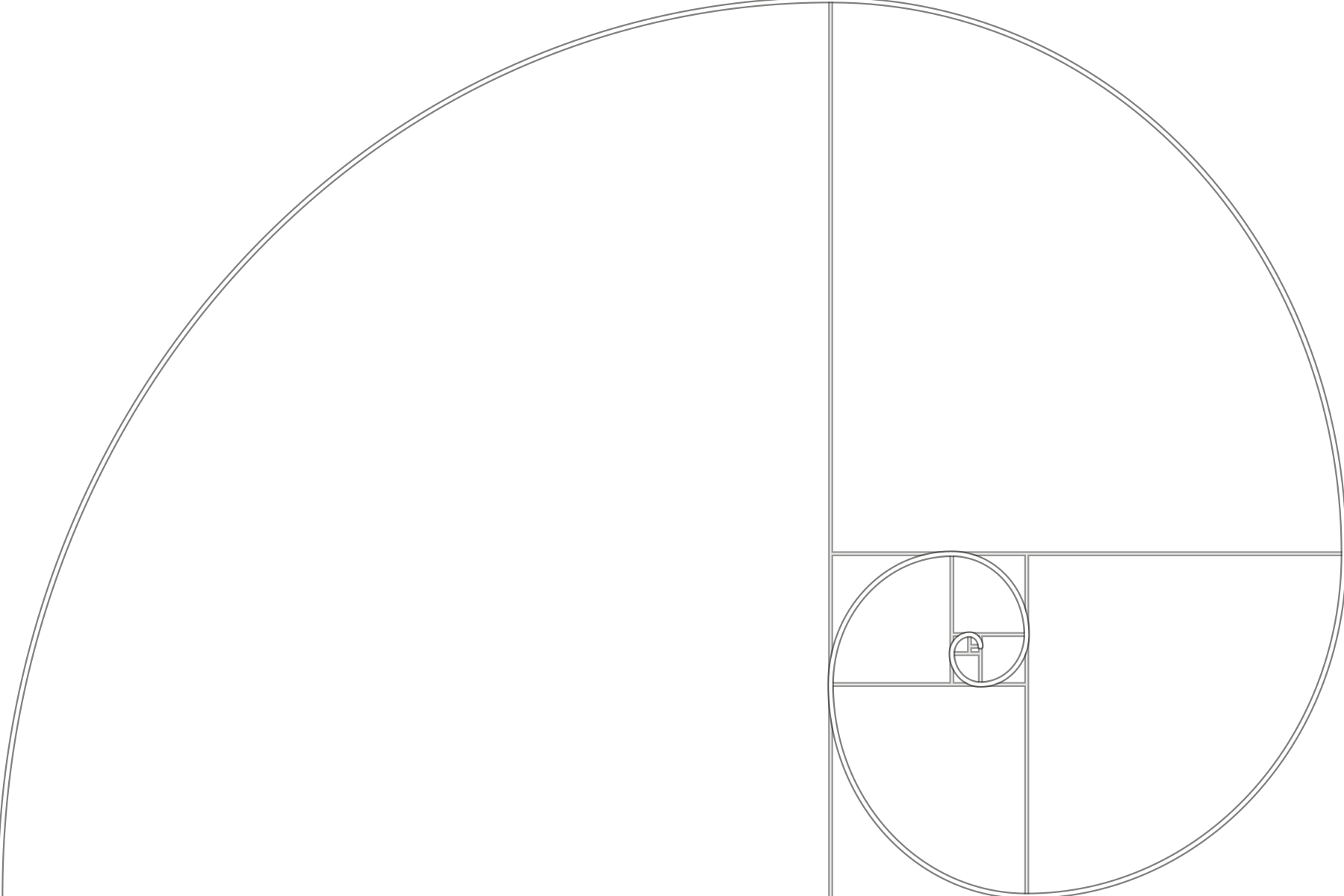 3:2 Most camera photos PNG, golden spiral 3:2 SVG, golden spiral 3:2
-
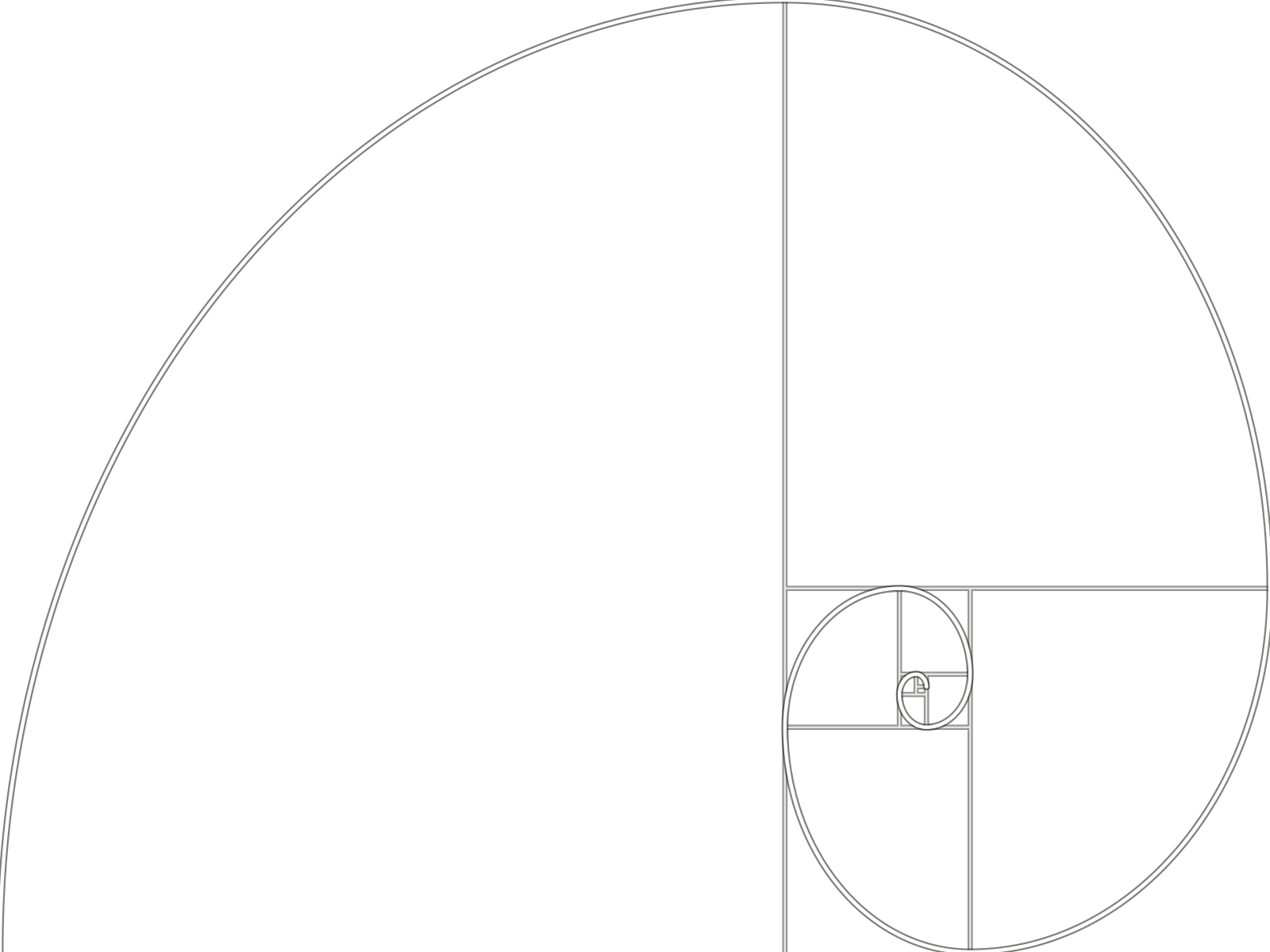 4:3 Phone photos and tablets PNG, golden spiral 4:3 SVG, golden spiral 4:3
-
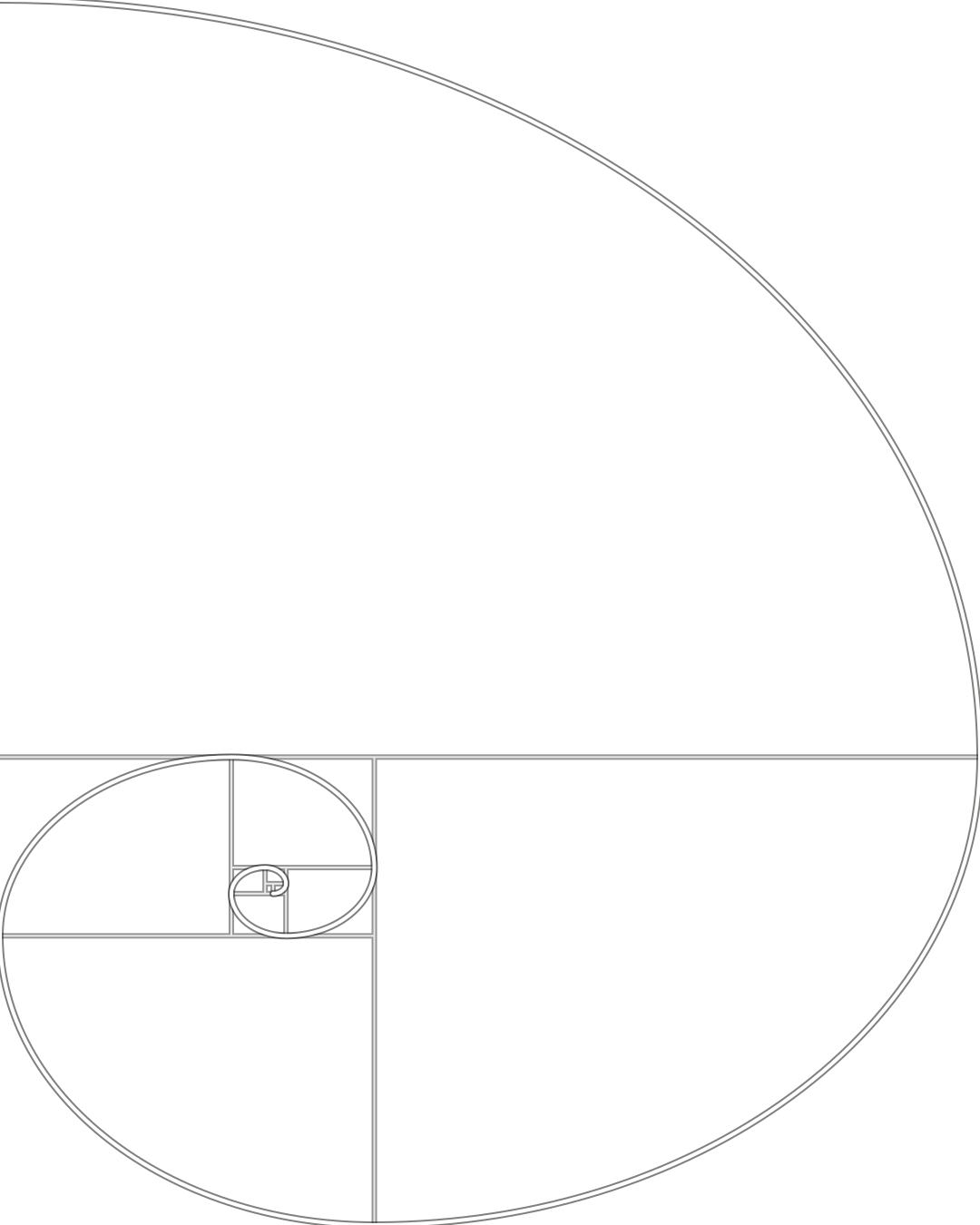 4:5 Portrait social posts PNG, golden spiral 4:5 SVG, golden spiral 4:5
-
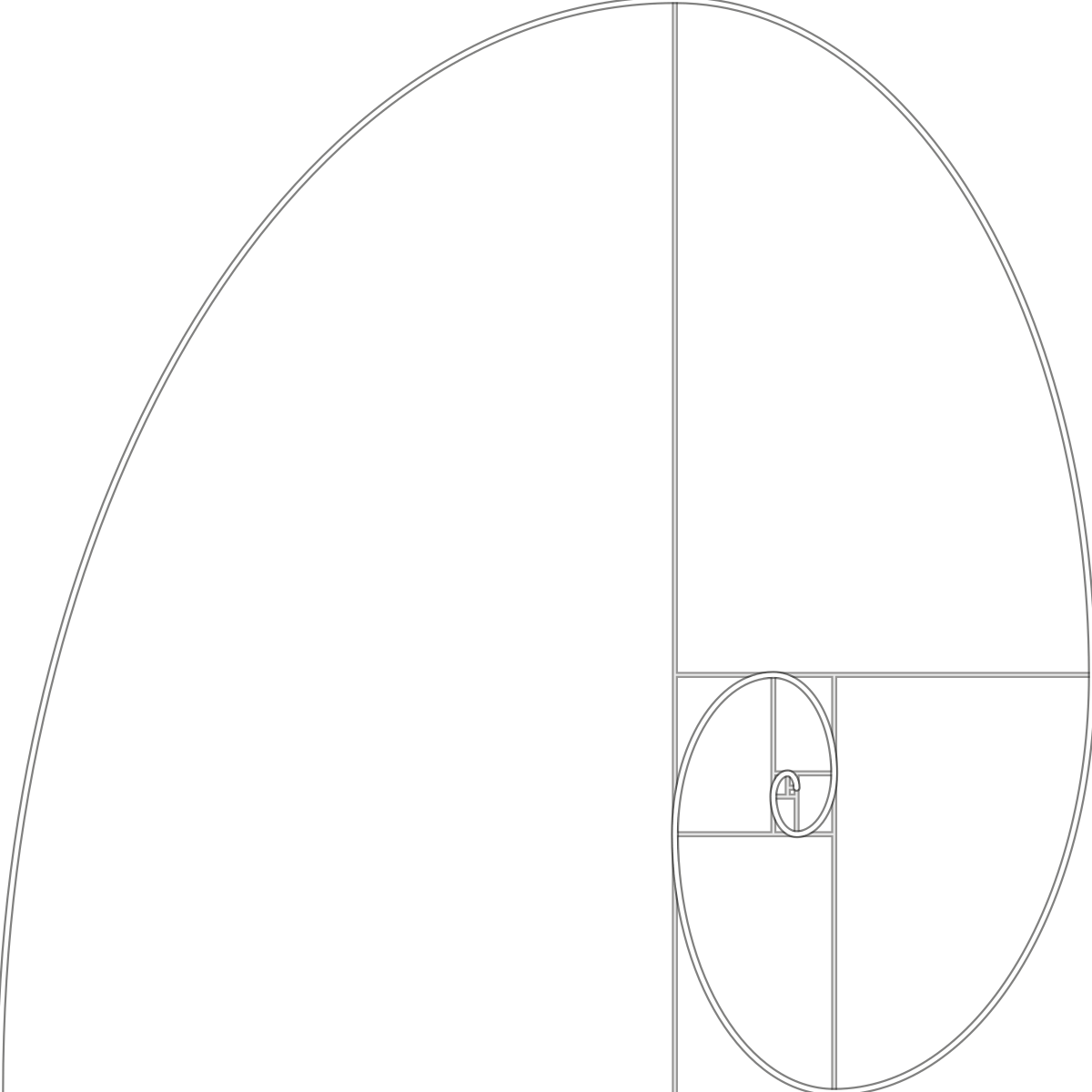 1:1 Square posts and avatars PNG, golden spiral 1:1 SVG, golden spiral 1:1
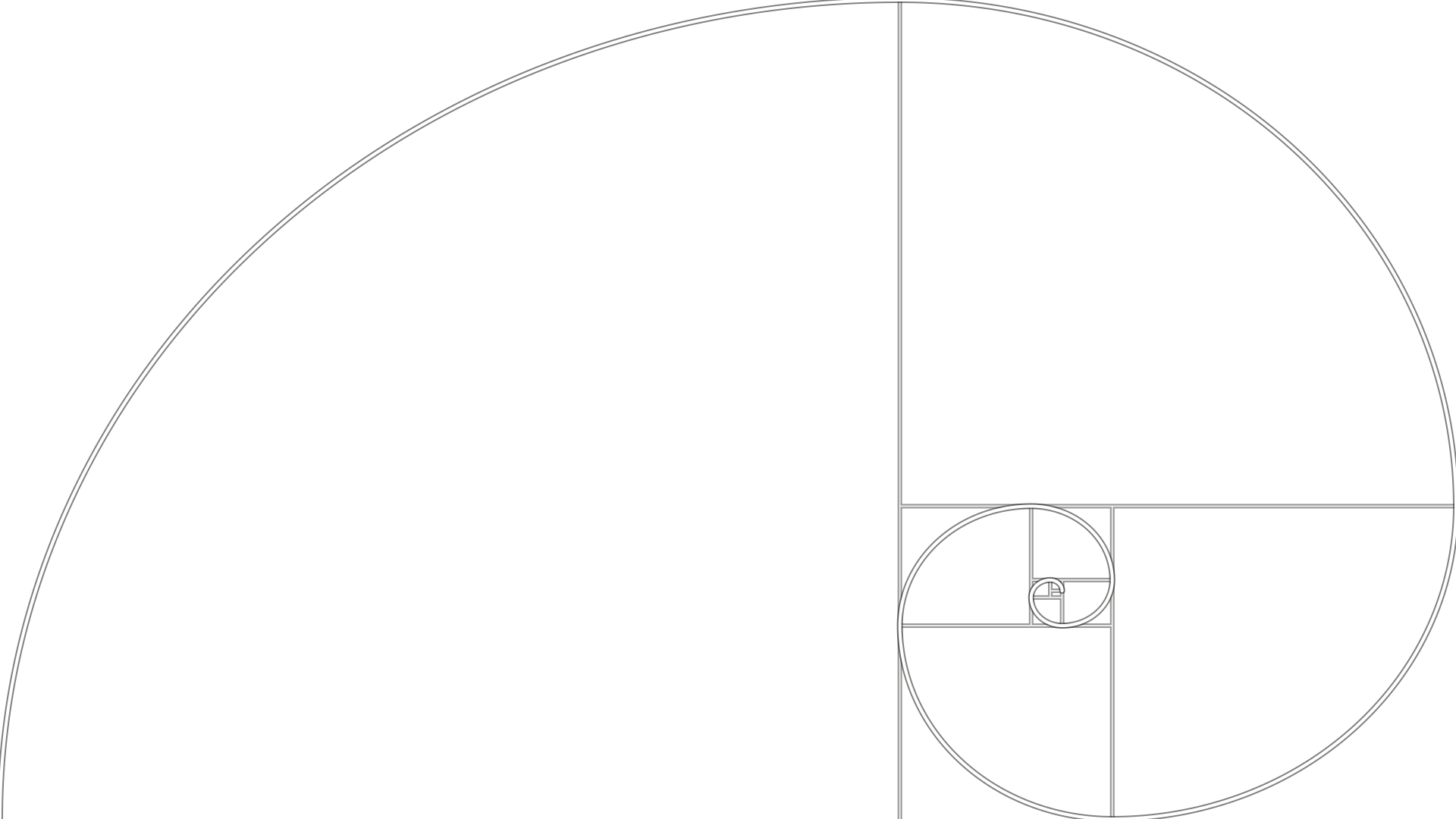
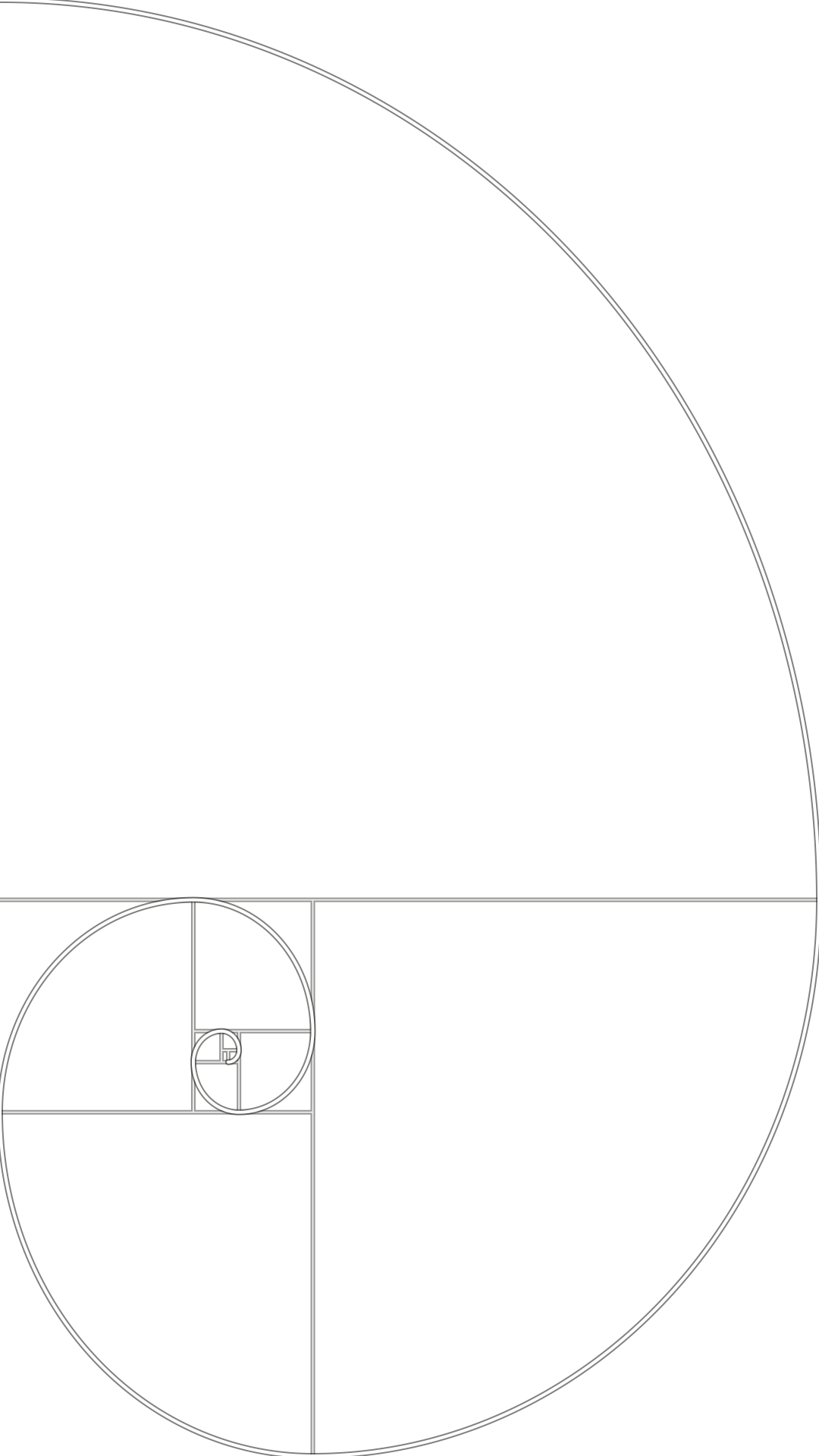
Phi grid (golden ratio)
-
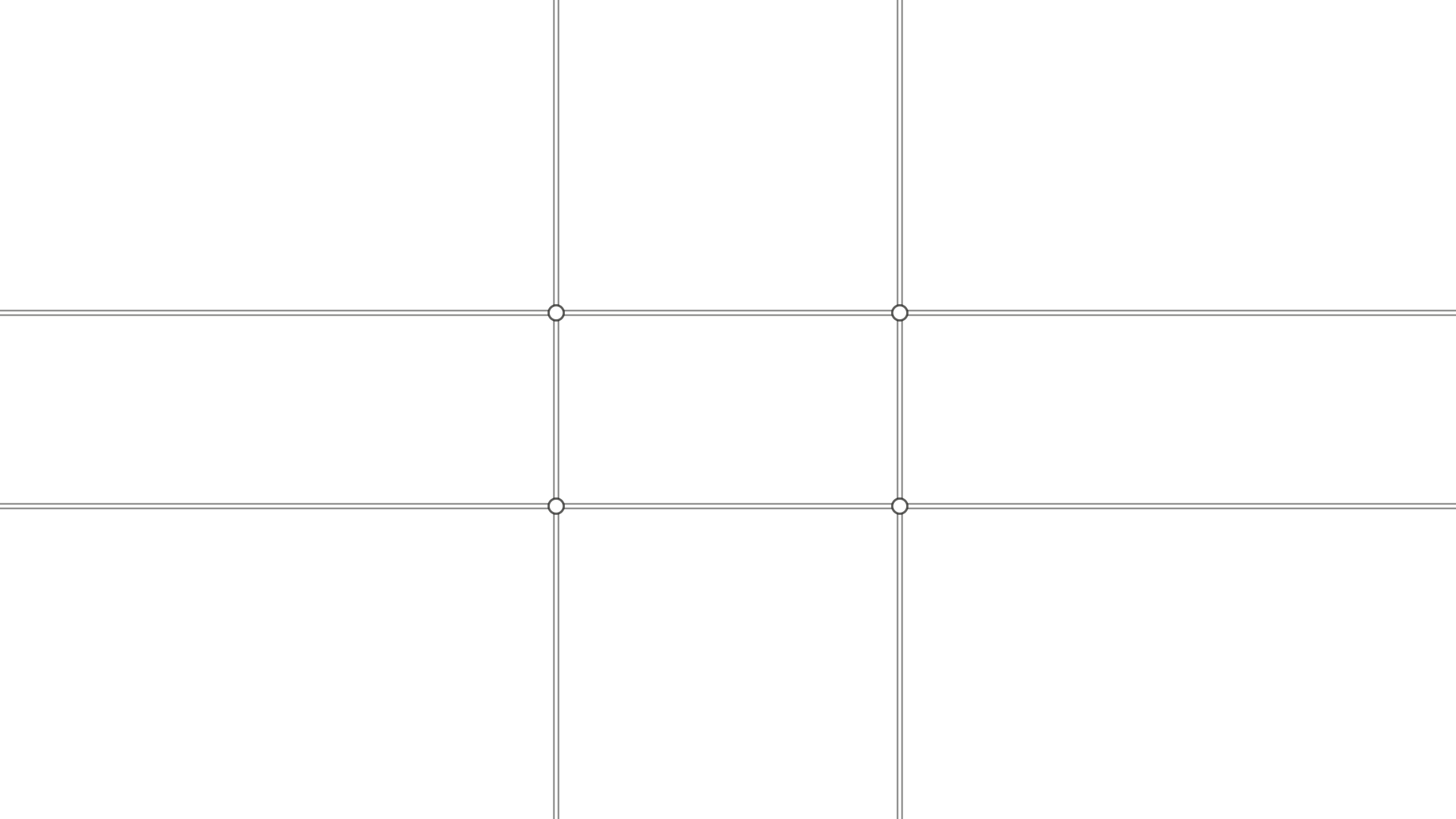 16:9 Video, slides and wide banners PNG, phi grid (golden ratio) 16:9 SVG, phi grid (golden ratio) 16:9
-
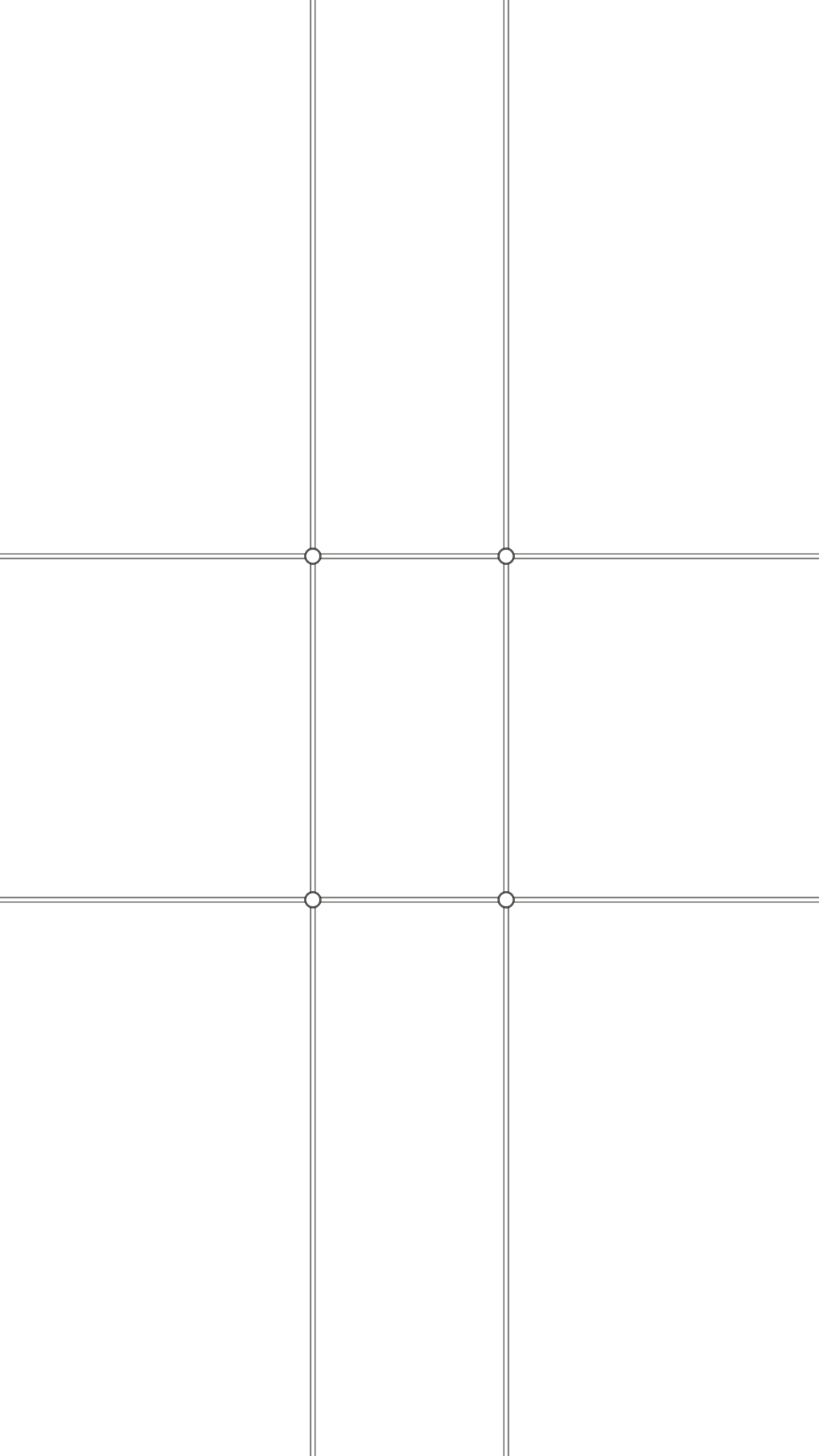 9:16 Phone screens, stories and reels PNG, phi grid (golden ratio) 9:16 SVG, phi grid (golden ratio) 9:16
-
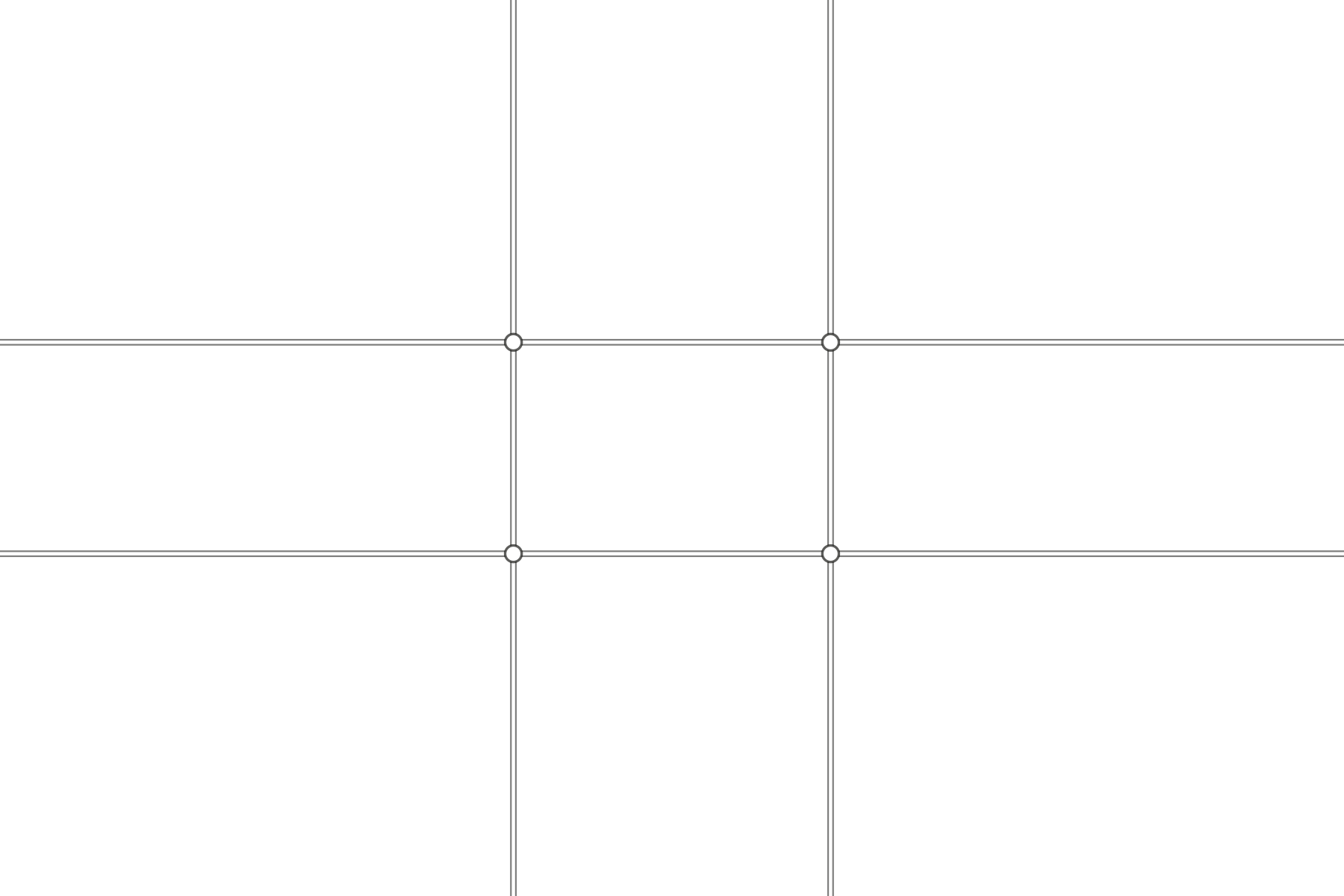 3:2 Most camera photos PNG, phi grid (golden ratio) 3:2 SVG, phi grid (golden ratio) 3:2
-
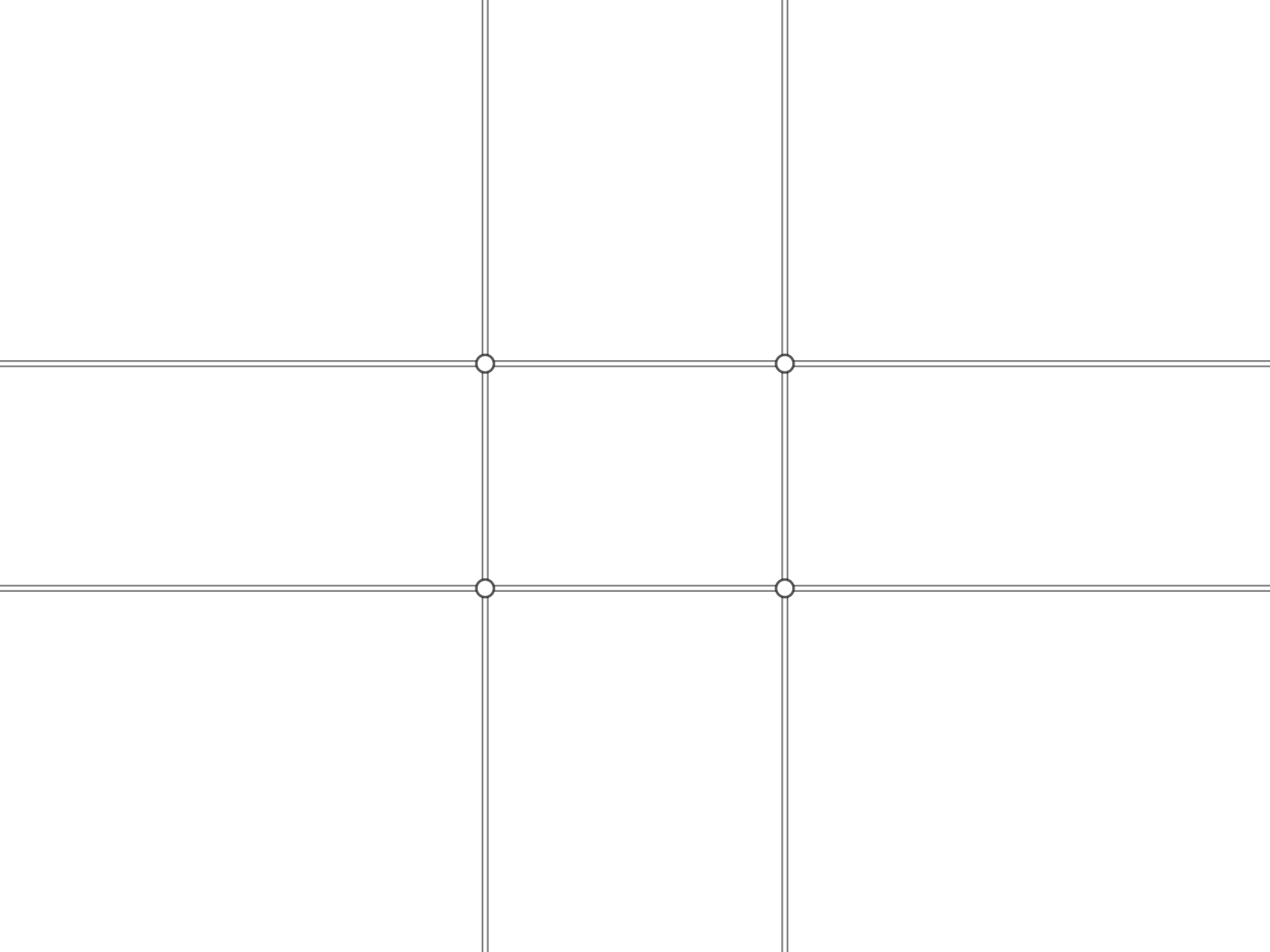 4:3 Phone photos and tablets PNG, phi grid (golden ratio) 4:3 SVG, phi grid (golden ratio) 4:3
-
 4:5 Portrait social posts PNG, phi grid (golden ratio) 4:5 SVG, phi grid (golden ratio) 4:5
-
 1:1 Square posts and avatars PNG, phi grid (golden ratio) 1:1 SVG, phi grid (golden ratio) 1:1
What is the golden ratio?
The golden ratio is about 1.618 to 1. Split a line so that the whole is to the longer part as the longer part is to the shorter, and the parts are in the golden ratio. Cut a square off a golden rectangle and what is left is another golden rectangle, which is why the squares above keep going and why a spiral can be drawn through them.
It is a real proportion with a long history, and a useful one when you need two sizes that differ clearly without one swamping the other. It is not a law of beauty. Proportion in design is about the relationship between sizes making the hierarchy obvious, and a layout at 60 to 40 or a clean thirds split does that as well as one at exactly 61.8 to 38.2.
How the calculator works
The longer side is your size times 1.618, or divided by it, depending on what your size is. The total is the longer side plus the shorter, which is always the longer side times 1.618 again. The column split takes the gap off the container first, because a gap belongs to neither column, and shares out the rest. The spacing scale multiplies the base by 1.618 for each step up and divides by it for each step down.
Questions
What is the golden ratio?
About 1.618 to 1, written as the Greek letter phi. Two lengths are in the golden ratio when the whole relates to the longer part exactly as the longer part relates to the shorter. Its exact value is one plus the square root of five, divided by two.
How do I find the golden ratio of a number?
Multiply it by 1.618 to get its longer partner, or divide it by 1.618 to get its shorter one. To split a total into two golden parts, multiply it by 0.618 for the larger part and by 0.382 for the smaller.
Does the golden ratio make a design look better?
Not on its own. It is one proportion among many. Most claims that famous buildings, paintings and logos were built on it come from drawing the rectangle over them afterwards, and preference studies have not found a reliable pull toward 1.618 over nearby ratios. Proportion works when the size differences make the hierarchy clear, whatever the ratio.
How do I use the golden ratio in a web layout?
Split the container into a main column of about 61.8% and a sidebar of about 38.2%. In CSS, grid-template-columns: 1.618fr 1fr does it, and because fr units share out the space left after the gap, the split stays golden at any gap.
What is the difference between the golden ratio and the rule of thirds?
The rule of thirds splits a width 66.7 to 33.3, the golden ratio 61.8 to 38.2. They are close enough that most people cannot tell them apart in a finished layout. Thirds are easier to eyeball; the golden split is easier to calculate exactly.
Where can I get a golden ratio grid or spiral overlay?
This page has both as free transparent PNG and SVG files, in six frame shapes from 16:9 to a 9:16 phone screen. Put one on the top layer over your photo or layout in Figma, Photoshop or Canva and stretch it to fit. The phi grid marks the 38.2% and 61.8% lines; the golden spiral shows the squares and the curve through them.
Is the golden ratio good for font sizes?
It is steep. From 16px it goes to 26 and then 42, so it suits a single display headline over body text on a large screen. For several heading levels, or on a phone, a gentler ratio such as 1.25 keeps the steps usable.
For a simpler split that is close to golden, see the rule of thirds. To try the phi grid on your own photo and find the crop that puts the subject on it, use the rule of thirds tool. For the color side of a layout, the contrast checker tests every line of text in a screenshot.